Improve
Creator
Playbook
Playbook: immersive educator lesson
Design a lesson world with clear learning objectives, guided questions, and quiz-ready scenes.
Education
Goal
Create a world that teaches one lesson well — through exploration, evidence, and guided reflection that students actually remember.
When to use it
- You are building for a class, a workshop, or a self-paced learning module.
- You need learning outcomes you can measure.
- You want the AI Guide to ask or answer questions at the right level for your students.
Step-by-step walkthrough
- Write the lesson objective first — before you write the world idea itself.
- Plan three to six scenes along a familiar arc: orientation, evidence, comparison, challenge, reflection, and an optional extension.
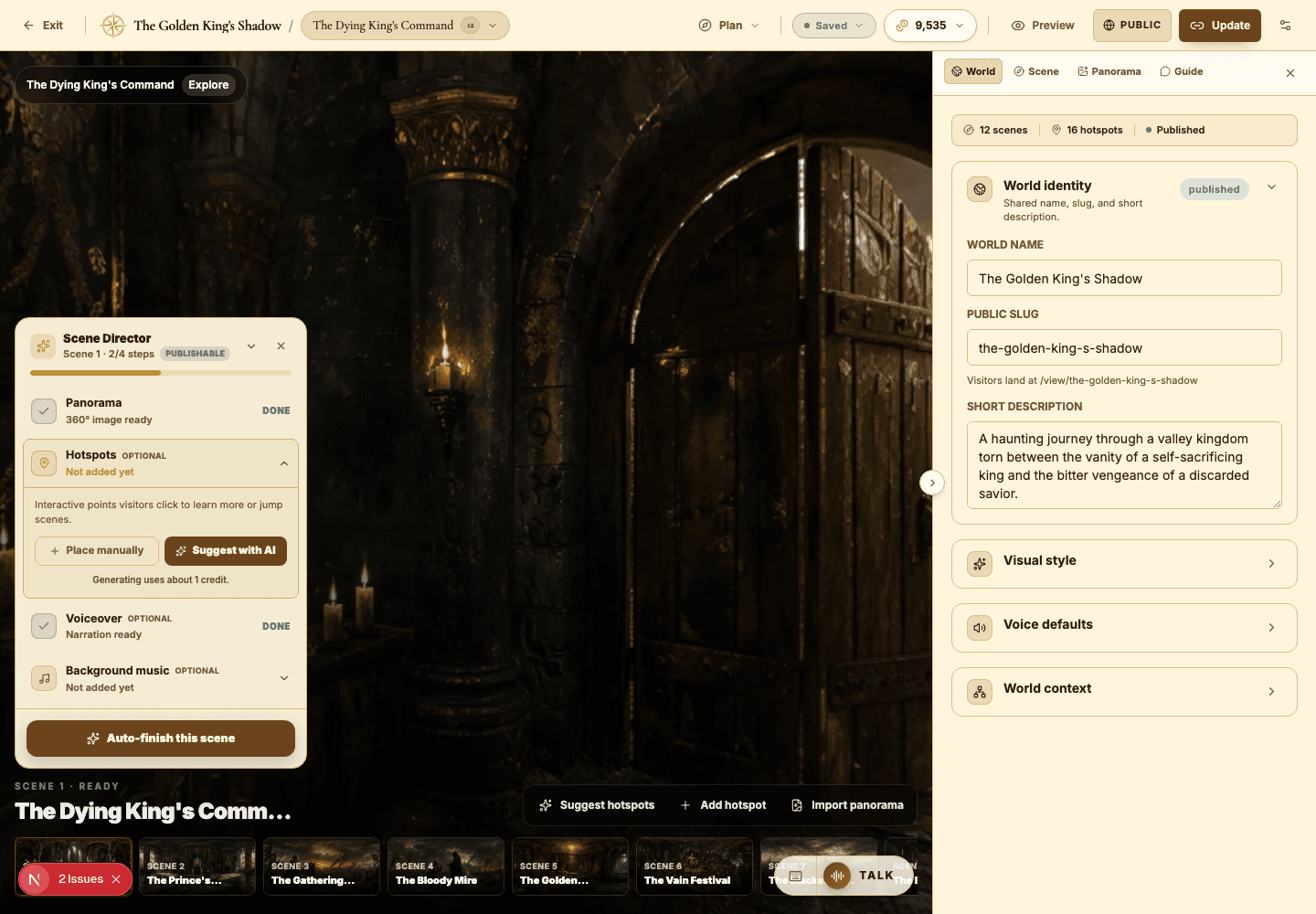
- Use hotspots for key facts, primary evidence, vocabulary, and prompts that spark thinking.
- Set the AI Guide persona to tutor or field researcher so its tone fits a classroom.
- Use quiz mode only where students can answer from visible details and hotspot text.
- Publish unlisted first and share with a small test group before rolling it out.
Best practices
- Hold to one learning objective per scene — clarity beats coverage.
- Write suggested AI Guide questions that model good student inquiry.
- Make the final scene ask students to synthesize, not just recall.
- Keep narration short enough to fit real classroom pacing.
Avoid these mistakes
- Trying to teach an entire unit inside a single world.
- Writing quiz questions that depend on knowledge the world never shows.
- Overloading every scene with more hotspots than a student can absorb.
Go deeper
- A strong educational world moves the student from observation to interpretation.
- Treat portals as lesson progression, not just navigation between rooms.
- Design the first scene to teach students how to explore everything that follows.
Screenshot callouts
Related next lessons
Build
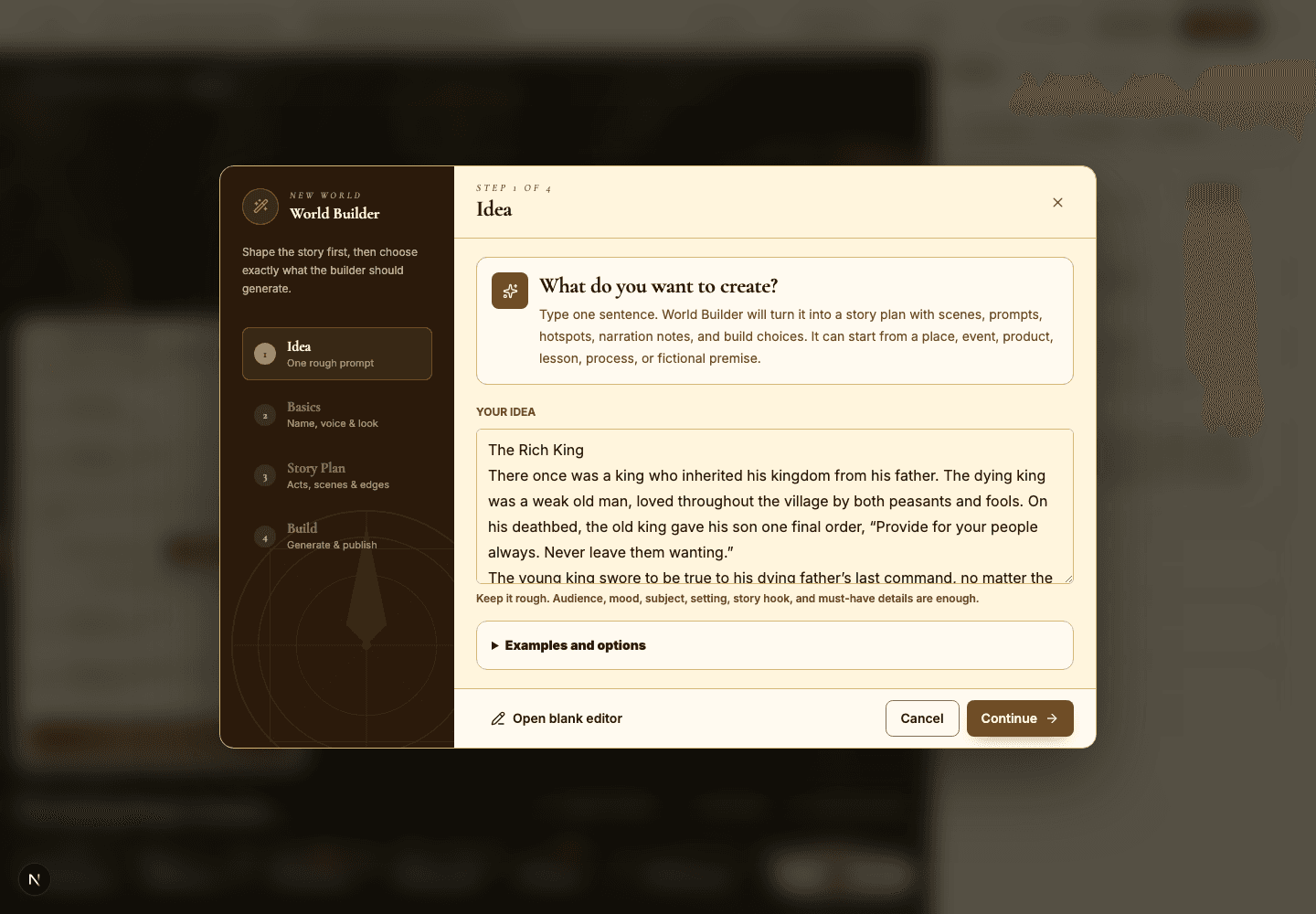
World Builder: idea to story plan
Turn a rough idea into a structured world plan, complete with scene cards, prompts, and generation choices.
ContinueImprove
AI Guide and quiz mode
Configure scene-level guidance so visitors can ask questions, get help, or be quizzed right inside the world.
ContinueView
Viewer guide
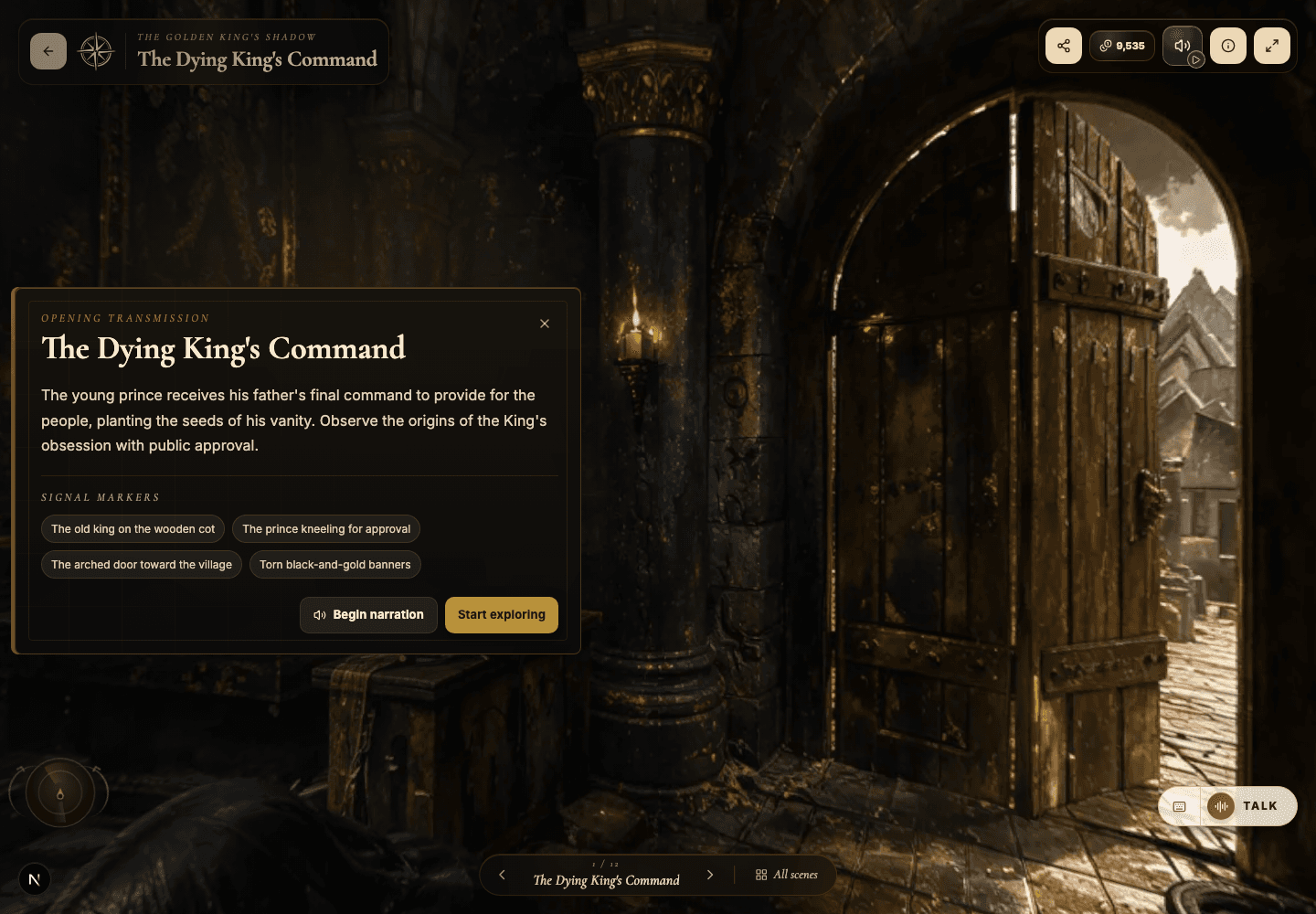
Understand the public viewer end to end — so creators design better worlds and visitors explore with confidence.
Continue