Troubleshoot
Creator
Viewer
Troubleshooting common creator issues
Fix sign-in, access, generation, publishing, audio, AI Guide, and viewer problems — fast.
EducationMuseum or exhibitStoryworldProduct showroomTravel or real estateTraining
Goal
Recover from the most common blockers quickly — without losing work or spending credits you didn't need to.
When to use it
- Something is blocking sign-in, generation, publishing, or viewing.
- The public viewer behaves differently than the builder did.
- Audio or AI Guide controls are not appearing where you expect them.
Step-by-step walkthrough
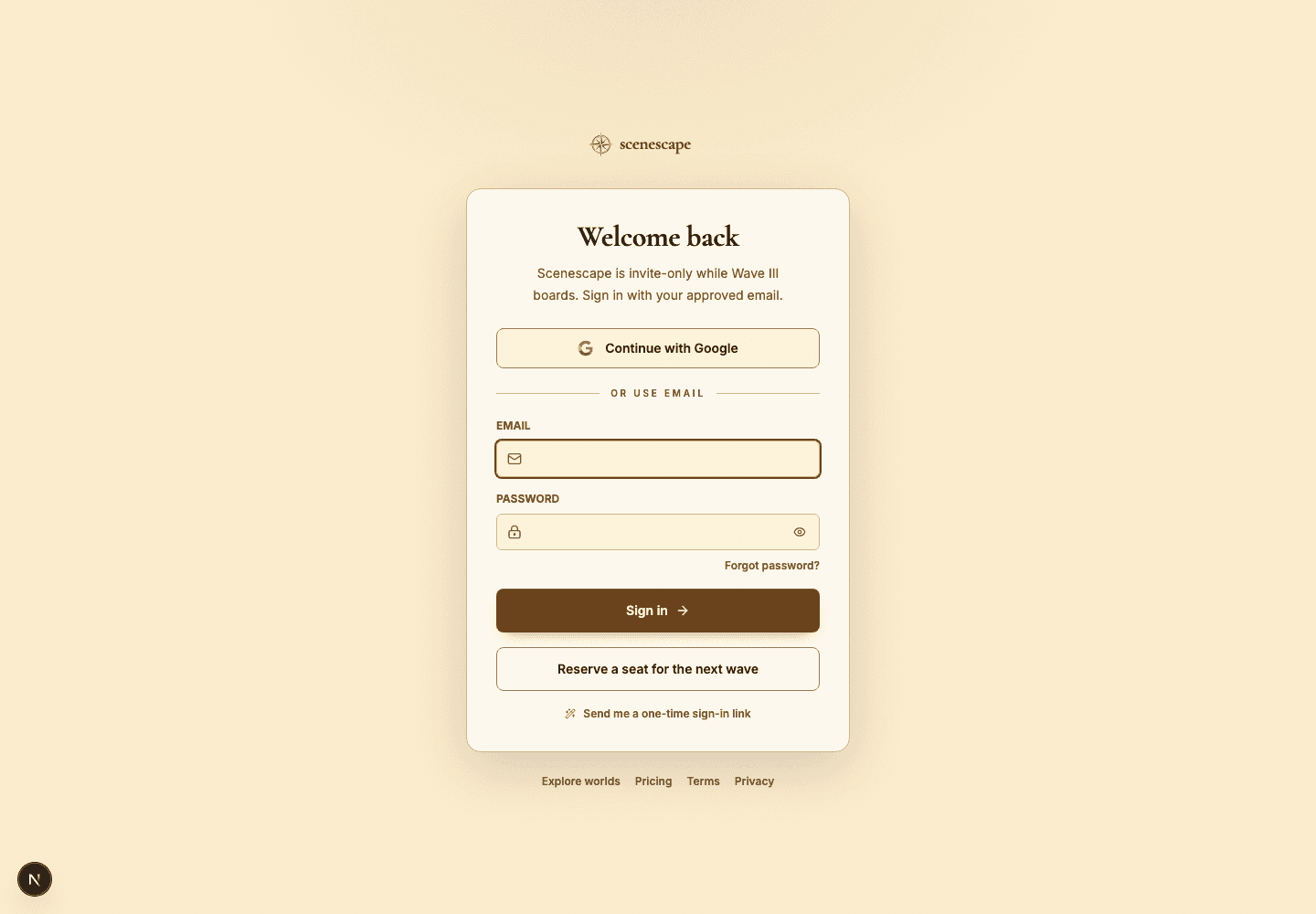
- Sign-in trouble: confirm you are using your approved email and password, and request access if invite-only mode is active.
- Generation trouble: check your credit balance, sharpen the prompt, and make sure another generation job isn't already running.
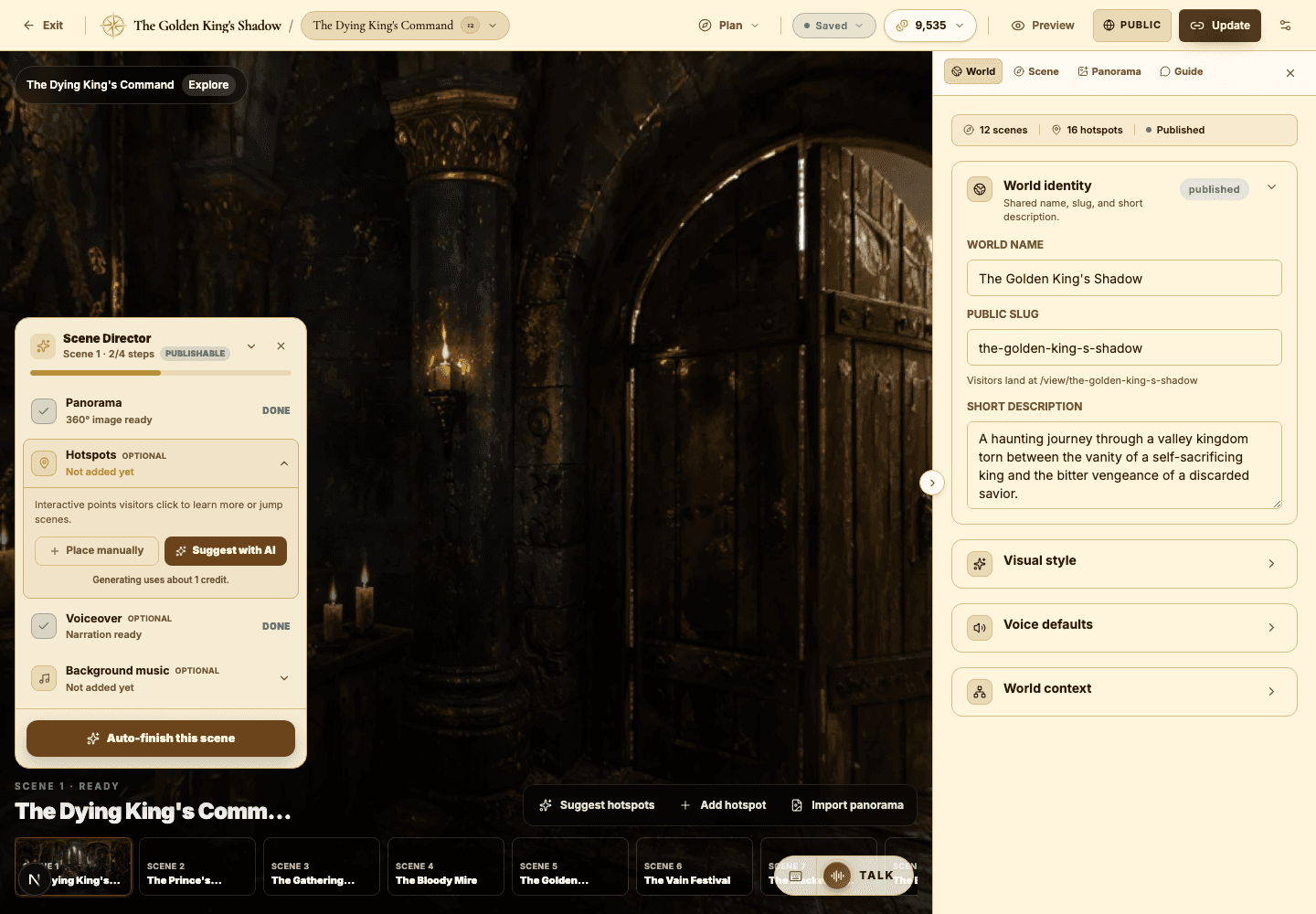
- Publish trouble: confirm every scene has a durable, saved panorama with no lingering failed-generation state.
- Explore trouble: confirm the world is public, has a category, and was published after your most recent changes.
- Audio trouble: check the browser's audio permissions and confirm the clip generated or uploaded successfully.
- AI Guide trouble: confirm the guide is enabled on that scene and that the viewer has the access or credits the selected mode needs.
Best practices
- Preview before republishing so you know whether an issue is builder-only or visitor-facing.
- Fix one blocker at a time, then retest — don't change five things at once.
- Keep a short note of the prompt or action that triggered a failed generation.
- Use unlisted publishing to safely test shared links.
Avoid these mistakes
- Republishing over and over without changing the field that was actually blocked.
- Regenerating media before checking whether a job is still in progress.
- Assuming a public Explore listing and an unlisted share behave the same way.
Go deeper
- Nearly every creator issue falls into one of four buckets: access, readiness, credits, or media durability.
- The builder may show draft changes that are not live until you publish or run Update.
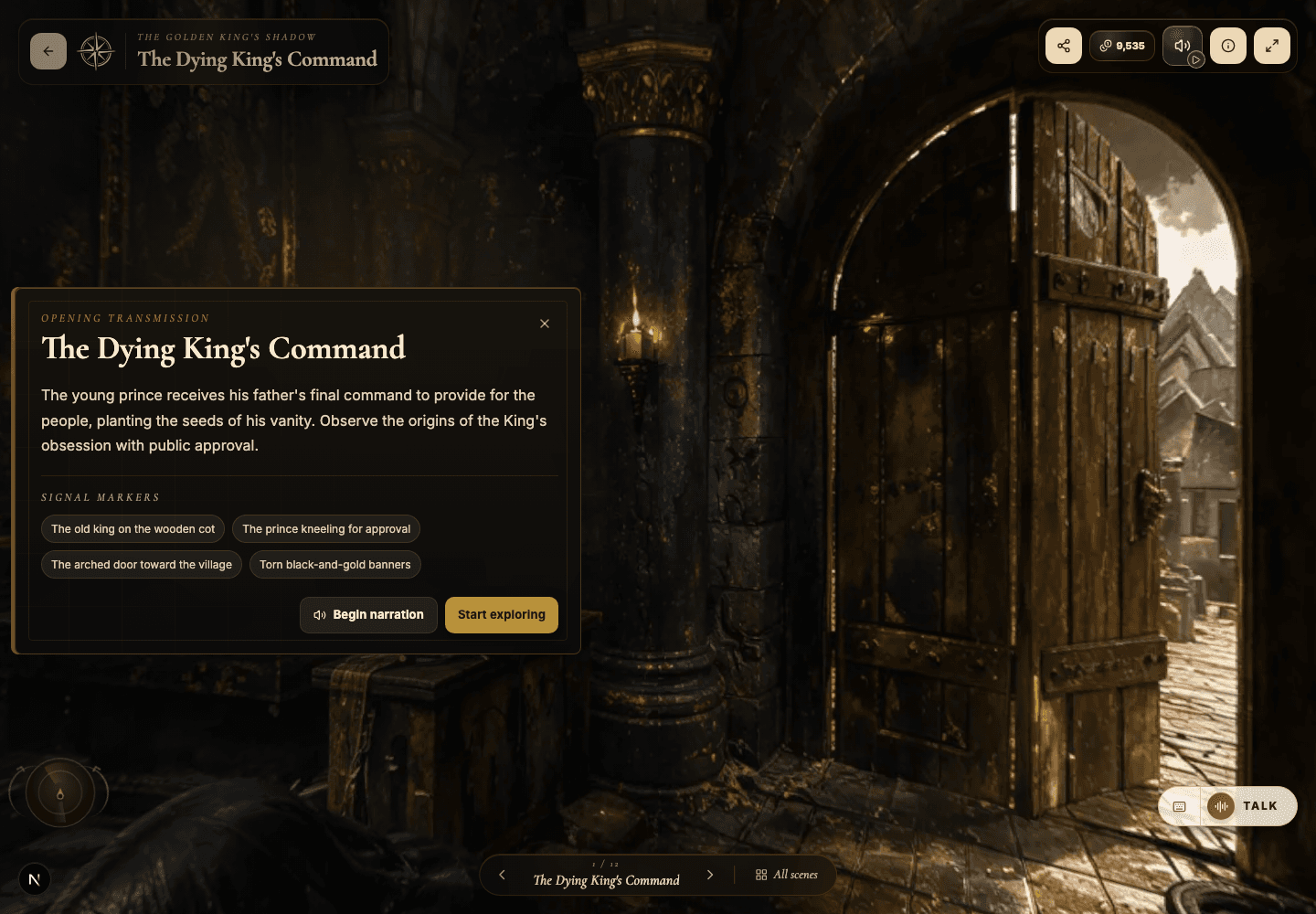
- When visitors report confusion, walk the first scene as if you knew nothing about the world.
Screenshot callouts
Related next lessons
Start
Build your first world
A complete first-time workflow, from signing in to a polished, previewable 360-degree world.
ContinueStart
Plans, credits, and usage
Understand plan limits, monthly credits, bonus credits, and exactly which actions spend credits.
ContinuePublish
Previewing, publishing, and Explore
Check readiness, choose the right visibility, push updates to live worlds, and decide when a world belongs in Explore.
Continue