Improve
Creator
Viewer
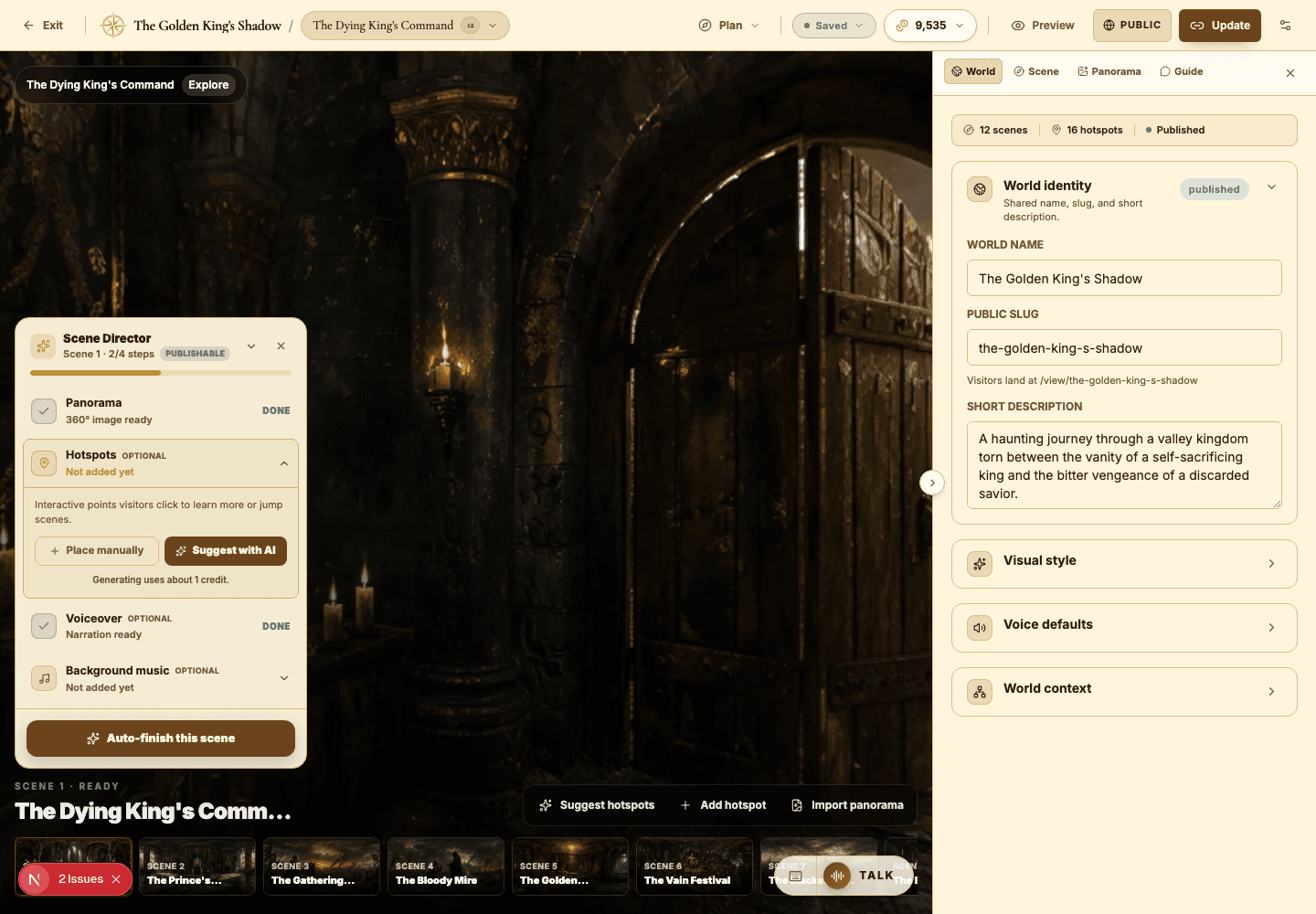
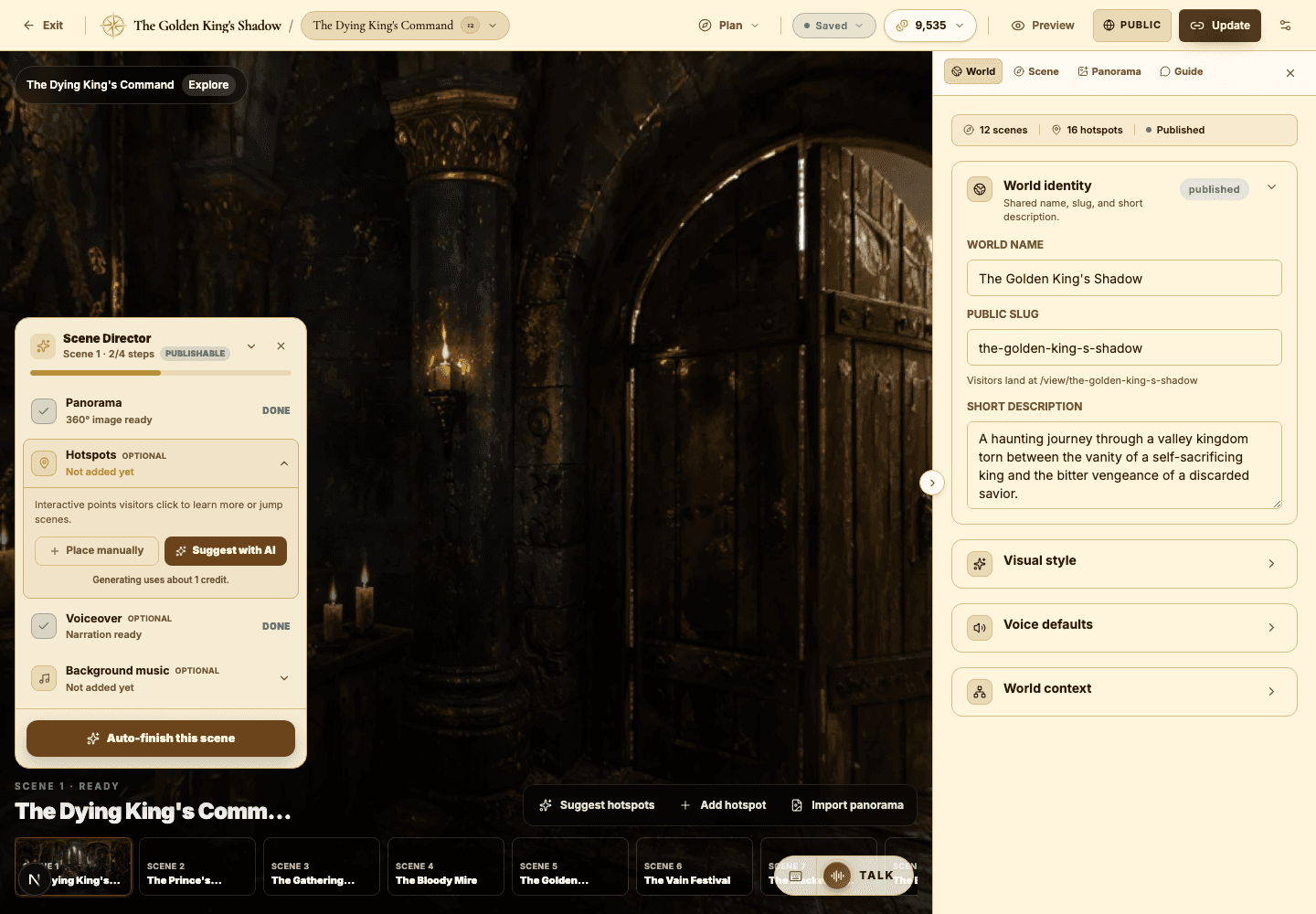
Voiceover, narration, and background music
Use audio to pace your world and set its mood — without ever overwhelming the visitor.
EducationMuseum or exhibitStoryworldProduct showroomTravel or real estateTraining
Goal
Add audio that clarifies the experience, sets the tone, and gives visitors optional guidance they can lean on or skip.
When to use it
- A scene needs a spoken opening to orient the visitor.
- A hotspot would be more memorable with narration than with text alone.
- The world needs atmosphere that only background music can carry.
Step-by-step walkthrough
- Set your world-level voice defaults before you generate a single clip — consistency starts here.
- Use scene voiceover for the broad, welcoming introduction to a scene.
- Use hotspot narration for the specific details and story beats inside that scene.
- Write or generate the narration text first, then turn it into audio — never the other way around.
- Preview the chosen voice on one scene before committing it across the whole world.
- Add background music only where it supports the mood without competing with narration.
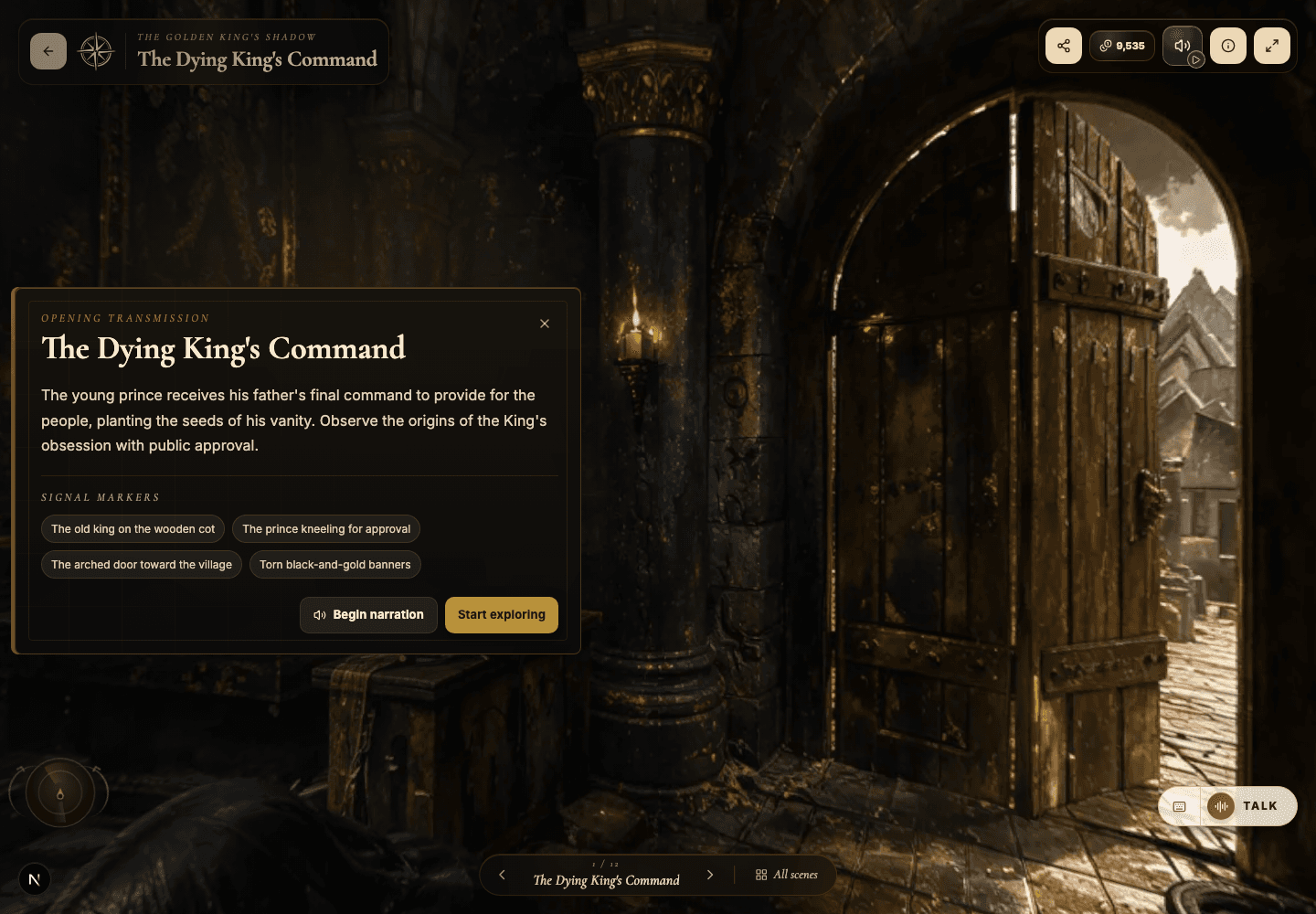
- Test all audio in the public viewer after you publish or update.
Best practices
- Keep scene voiceover short enough that visitors still want to explore on their own.
- Hold one consistent voice and style across a single world.
- Let important narration breathe — don't stack music, voice, and chat prompts on top of each other.
- Use audio deliberately on mobile, where many visitors listen more than they read.
Avoid these mistakes
- Generating audio from rough placeholder copy you were always going to rewrite.
- Scoring a practical training walkthrough with dramatic cinematic music.
- Narrating every hotspot when only a few moments truly need a voice.
Go deeper
- Audio is pacing. Use it to slow visitors down exactly at the moments that matter most.
- Scene voiceover should orient; hotspot narration should deepen. Keep those jobs separate.
- For classrooms and exhibits, mirror key narration in hotspot text so the world stays accessible.
Screenshot callouts
Related next lessons
Improve
Hotspots, narration hotspots, and portals
Design clickable moments that teach, tell a story, and move visitors smoothly through connected scenes.
ContinueImprove
AI Guide and quiz mode
Configure scene-level guidance so visitors can ask questions, get help, or be quizzed right inside the world.
ContinueStart
Plans, credits, and usage
Understand plan limits, monthly credits, bonus credits, and exactly which actions spend credits.
Continue