Improve
Creator
Playbook
Playbook: training or process walkthrough
Build a repeatable training environment for procedures, safety, onboarding, or process education.
Training
Goal
Turn a process into an interactive environment learners can inspect, practice in, and revisit whenever they need a refresher.
When to use it
- You need to train people on a location, a workflow, a procedure, or a safety sequence.
- You want learners to understand what to notice in real context.
- You need a shareable training module that runs in any browser.
Step-by-step walkthrough
- Write the process outcome and the specific mistakes learners must avoid.
- Map scenes to the real stages: orientation, setup, action, risk, check, and completion.
- Use hotspots for decisions, warnings, definitions, and verification checks.
- Use portals to move learners to the next step in the workflow.
- Set the AI Guide to tutor mode for coaching, or quiz mode for knowledge checks.
- Publish unlisted for trainees and internal reviewers before any wider rollout.
Best practices
- Make the correct action visually obvious before you explain it in words.
- Separate safety-critical hotspots from nice-to-know detail so nothing important gets buried.
- Use quiz mode only once the learner has enough context to succeed.
- Keep scene order locked to the real order of the process.
Avoid these mistakes
- Treating process training like a glossy brochure.
- Mixing multiple procedures into one overloaded world.
- Using vague hotspot titles for critical warnings.
Go deeper
- Training worlds should build recognition — learners spotting the right thing in the moment — not just recall.
- Repeat key steps across scenes when learners genuinely need to remember them.
- After each scene, a learner should be able to state the next correct action out loud.
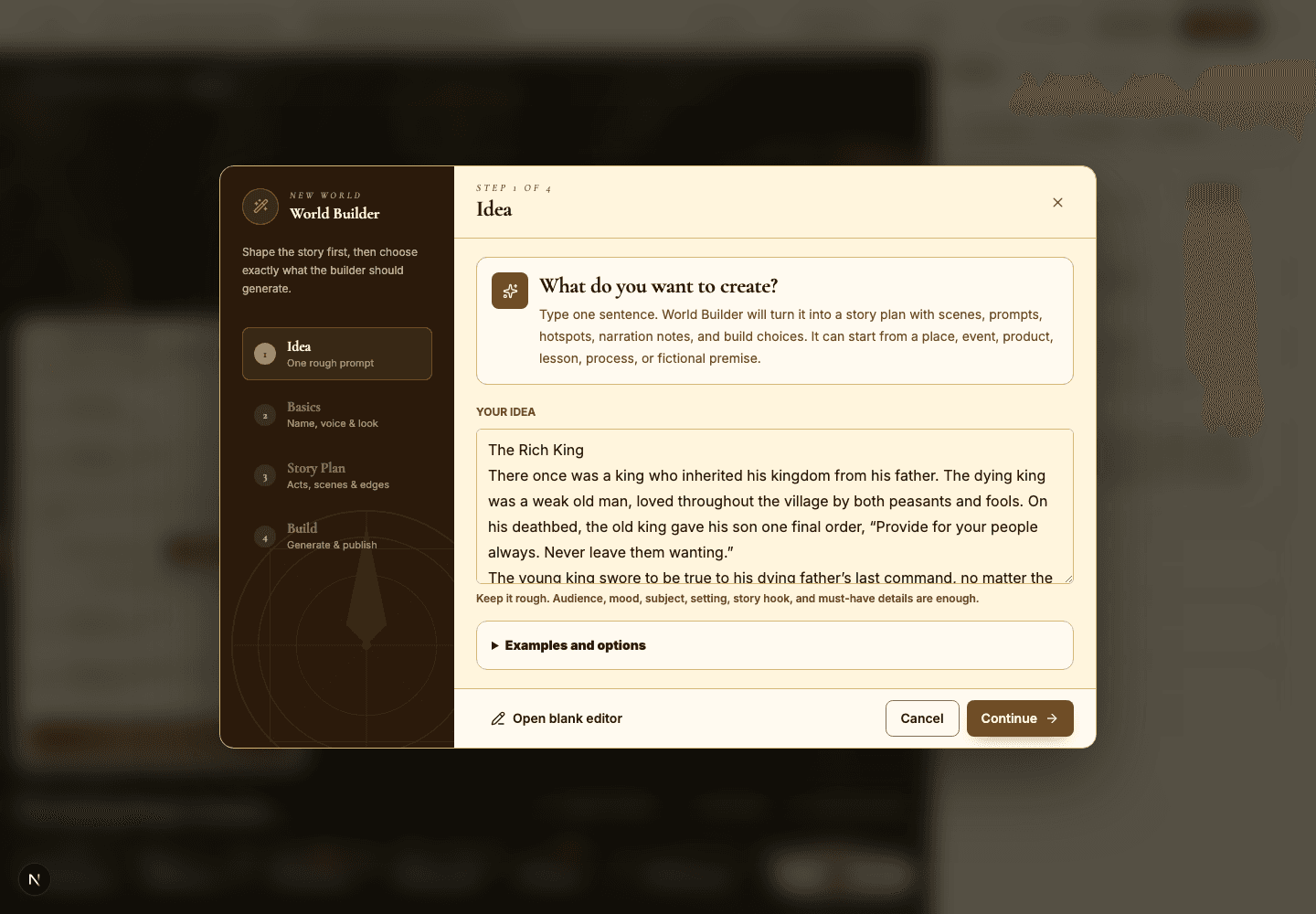
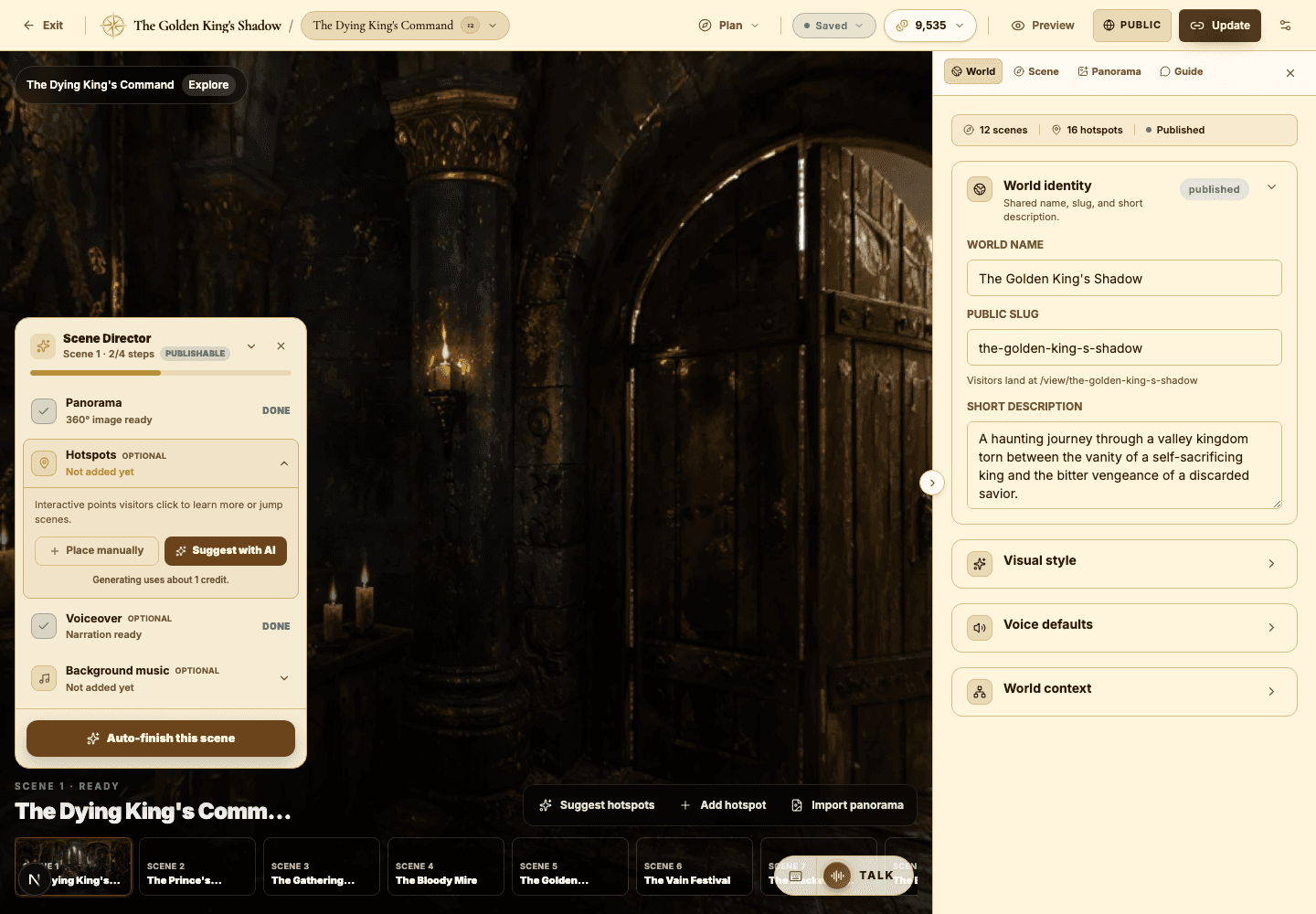
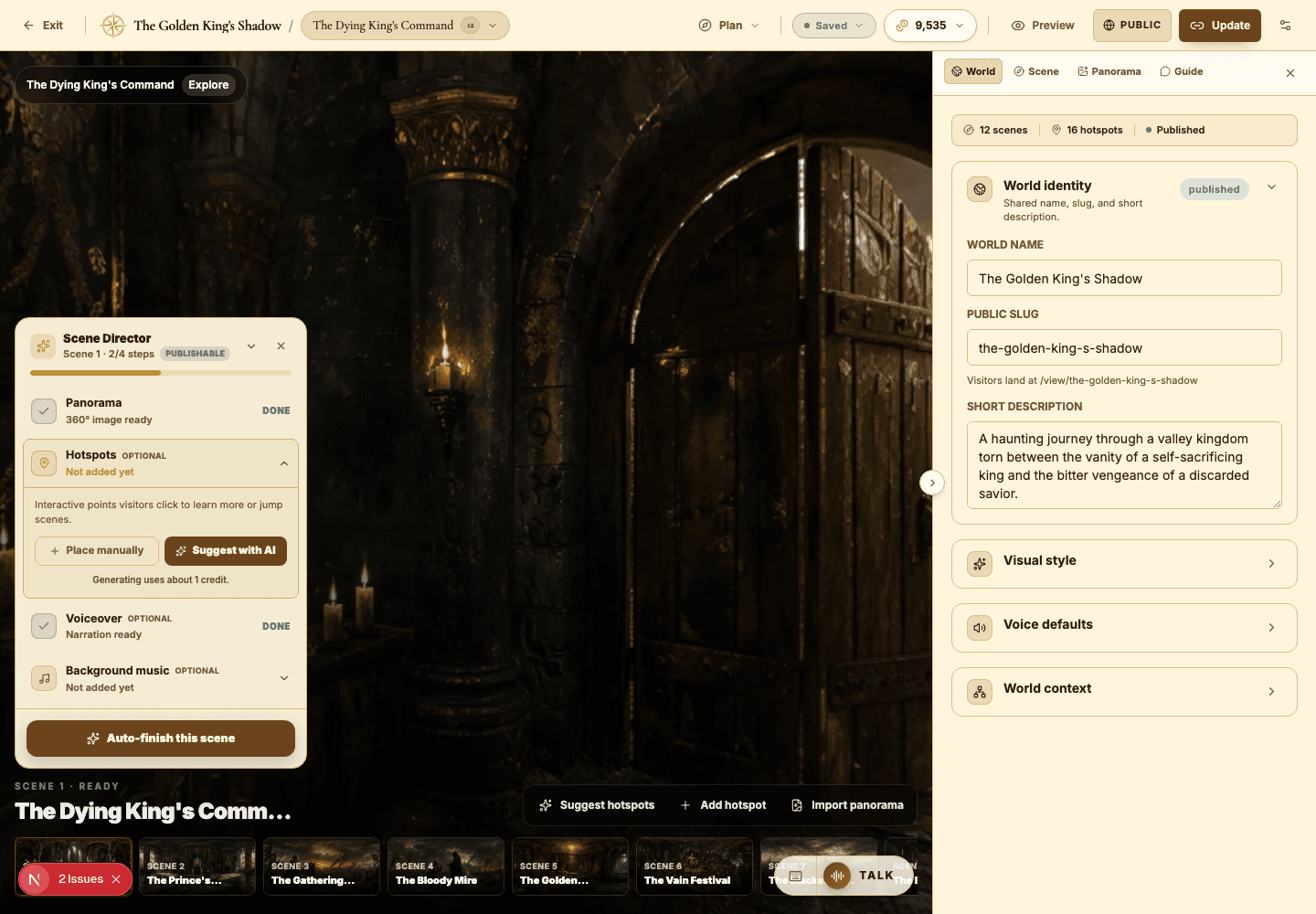
Screenshot callouts
Related next lessons
Improve
Playbook: immersive educator lesson
Design a lesson world with clear learning objectives, guided questions, and quiz-ready scenes.
ContinueImprove
AI Guide and quiz mode
Configure scene-level guidance so visitors can ask questions, get help, or be quizzed right inside the world.
ContinuePublish
Previewing, publishing, and Explore
Check readiness, choose the right visibility, push updates to live worlds, and decide when a world belongs in Explore.
Continue