Improve
Creator
Playbook
Playbook: museum or exhibit tour
Build an interpretive exhibit with object-level hotspots, visitor-friendly narration, and optional guide context.
Museum or exhibit
Goal
Create an exhibit world that helps visitors notice the objects that matter — and understand the story behind each one.
When to use it
- You are presenting artifacts, artworks, archival material, or cultural spaces.
- You want a digital exhibit anyone can visit without installing an app.
- You need object-level interpretation with optional guided conversation.
Step-by-step walkthrough
- Choose a clear visitor path: an introduction, the featured objects, deeper context, and a closing takeaway.
- Use one panorama per room, display case, theme, or exhibit moment.
- Place hotspots directly on the objects that reward a closer look.
- Write hotspot copy that explains significance — why this object matters — not just what it is.
- Use narration for the curatorial voice, and as accessibility support for visitors who prefer listening.
- Configure the AI Guide as a calm exhibit host or a knowledgeable field researcher.
Best practices
- Lead with the object, then layer the context around it.
- Use media attachments only when they show something the panorama cannot.
- Keep labels crisp for visitors who skim before they commit.
- Share unlisted links for preview rounds with curators and stakeholders.
Avoid these mistakes
- Writing wall-label-length essays inside every single hotspot.
- Letting the AI Guide get too speculative about historical or cultural material.
- Leaving the route between rooms unclear, so visitors stall.
Go deeper
- Exhibit worlds work best when each room carries a single curatorial thesis.
- A good hotspot answers one question: why does this object matter, here and now?
- Use the AI Guide to encourage observation before it offers interpretation.
Screenshot callouts
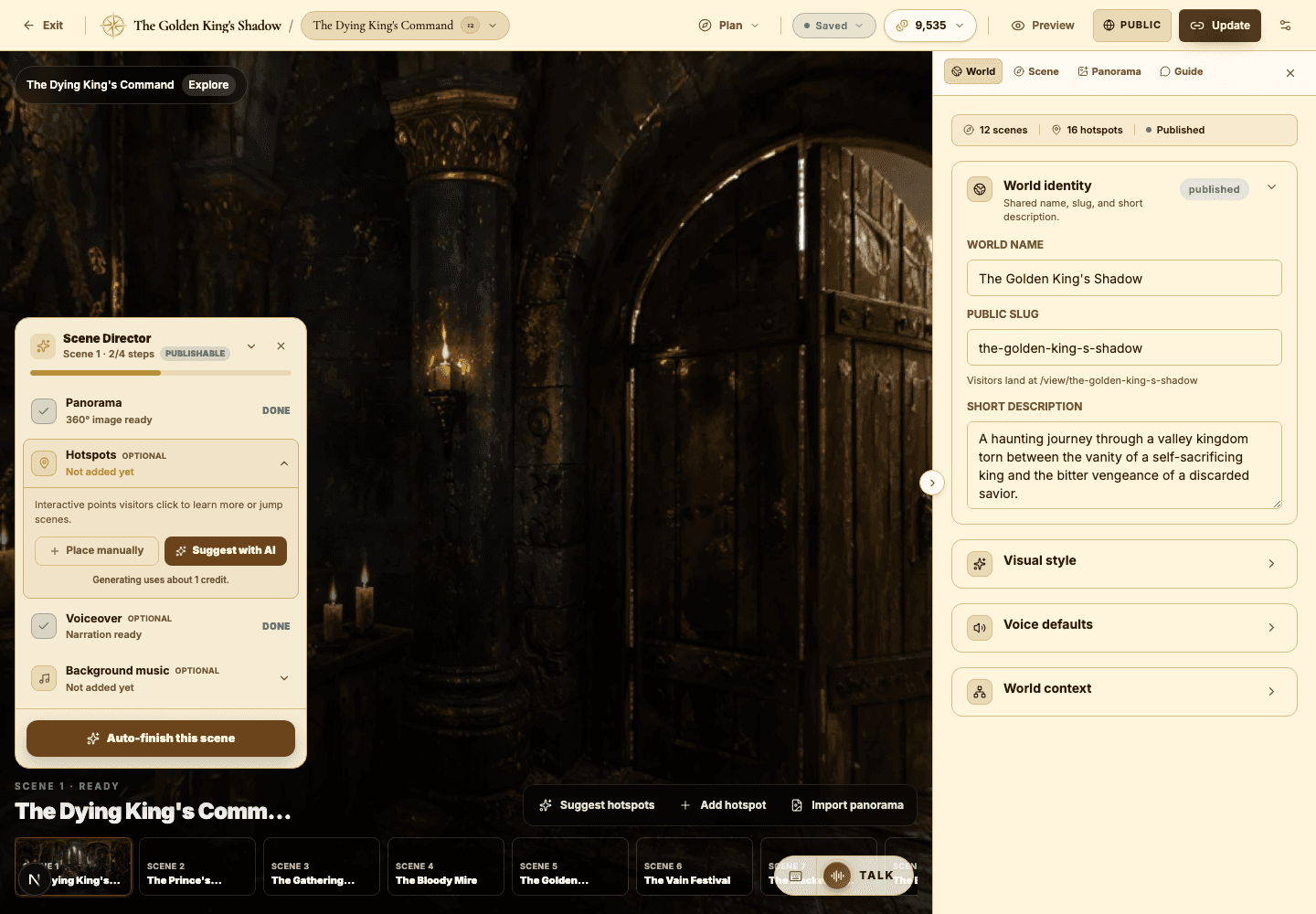
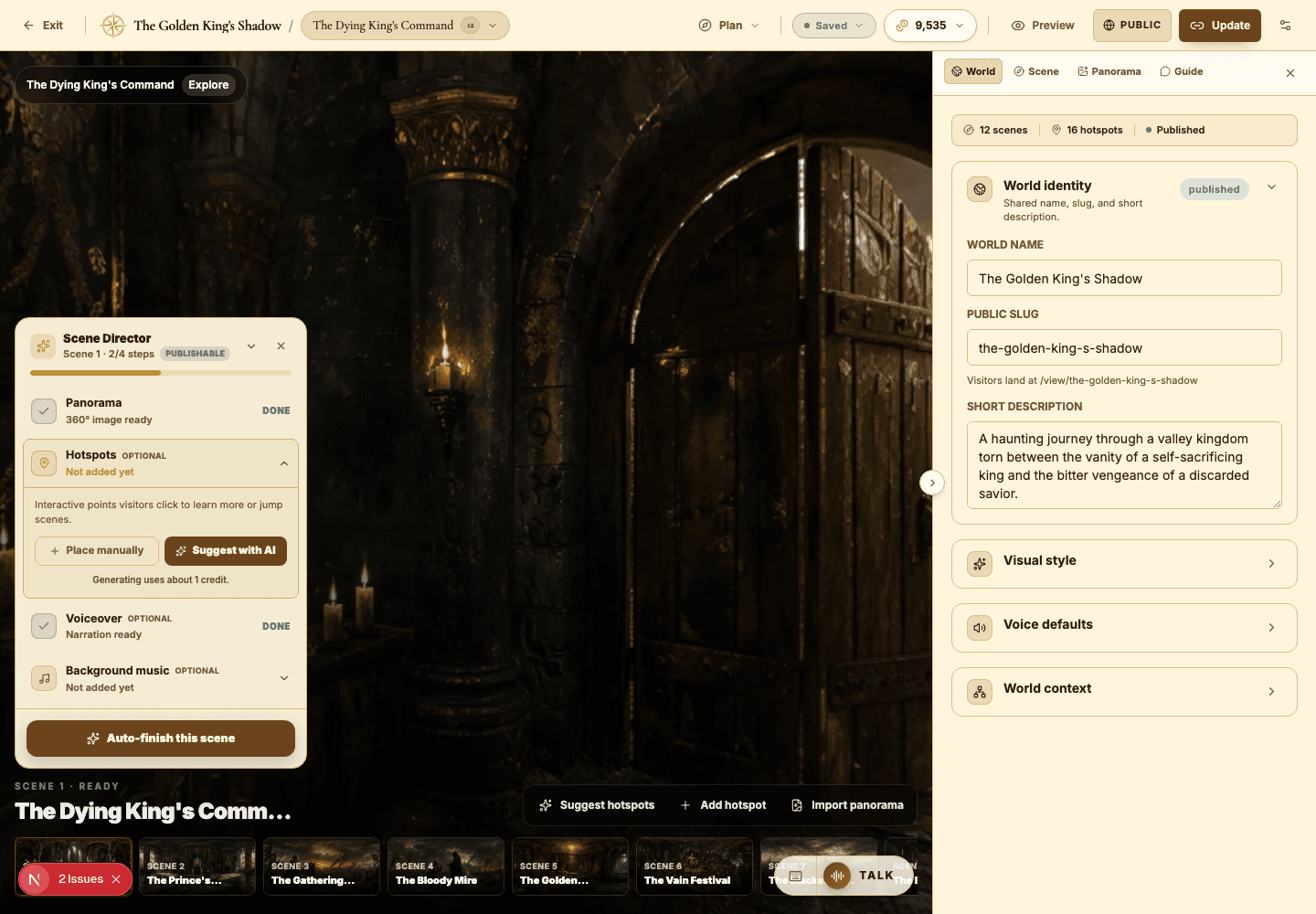
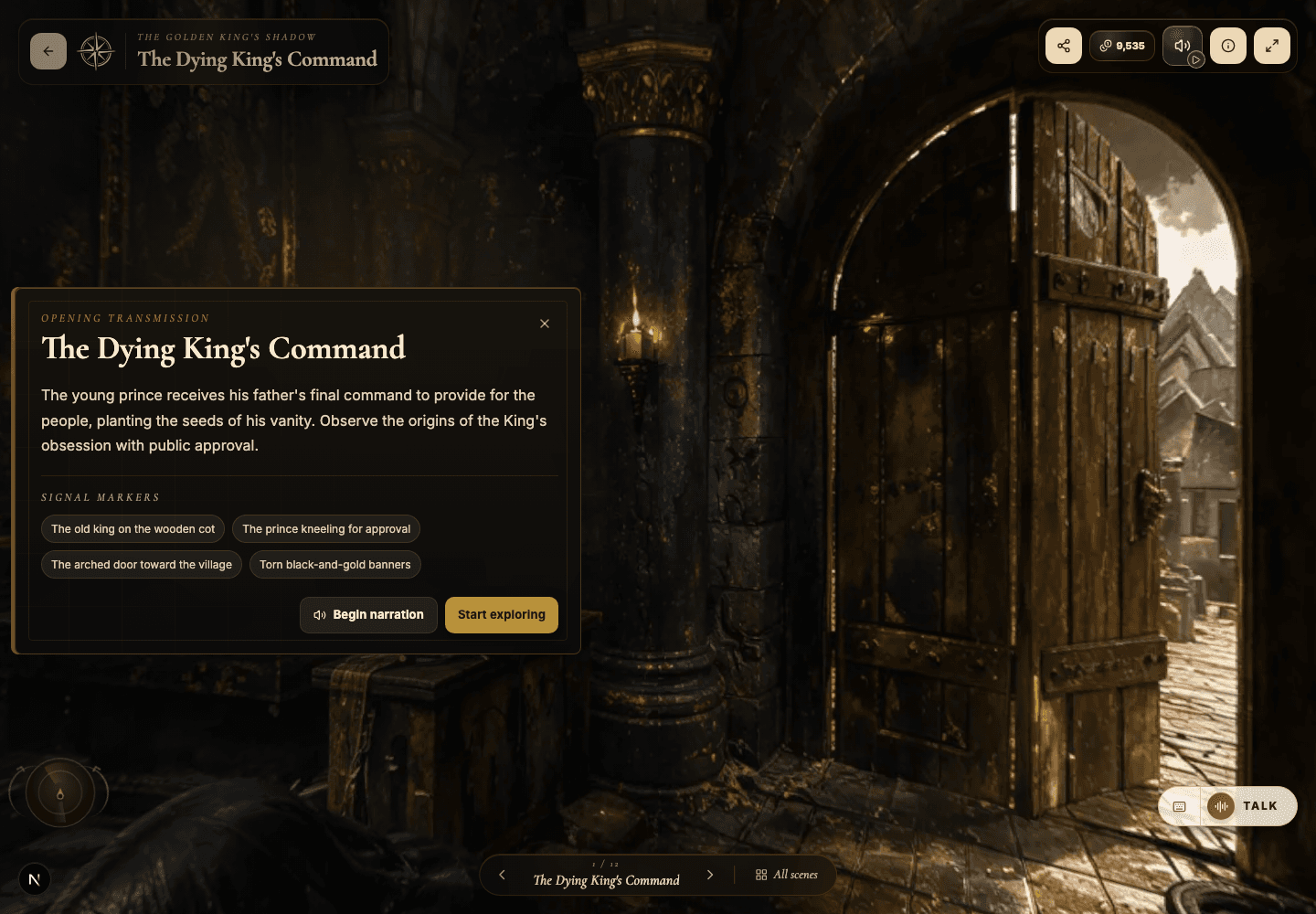
Related next lessons
Improve
Hotspots, narration hotspots, and portals
Design clickable moments that teach, tell a story, and move visitors smoothly through connected scenes.
ContinueImprove
Voiceover, narration, and background music
Use audio to pace your world and set its mood — without ever overwhelming the visitor.
ContinueImprove
AI Guide and quiz mode
Configure scene-level guidance so visitors can ask questions, get help, or be quizzed right inside the world.
Continue